
November 3, 2026
Physical SIM Versus eSIM: Which Is Easier?
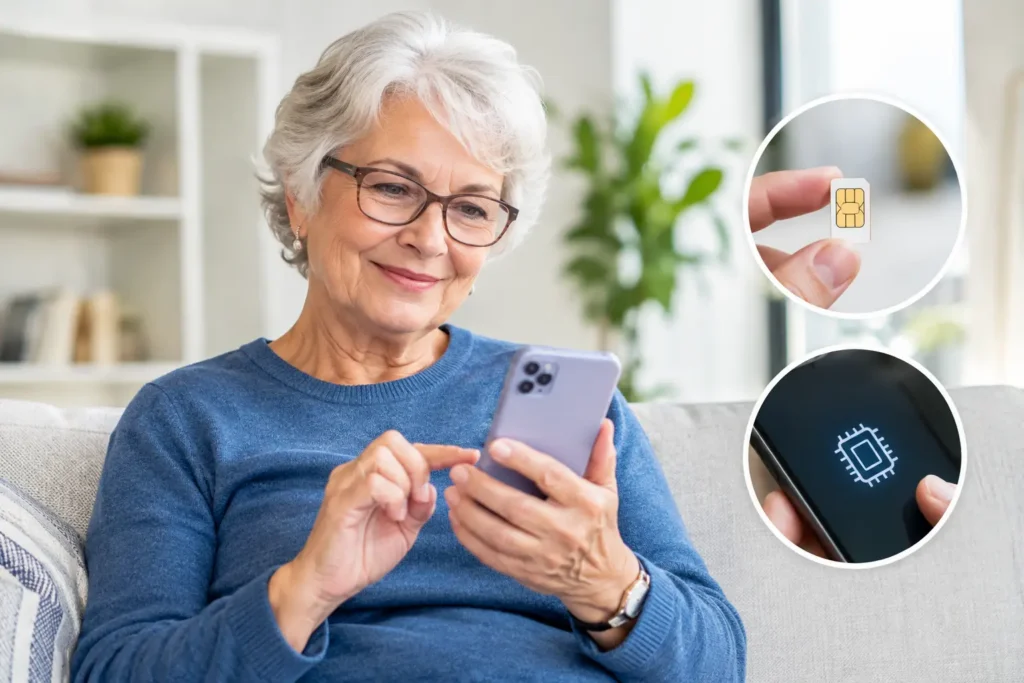
A new phone should feel like a helpful upgrade, not a test of your patience. When comparing physical SIM versus eSIM, the biggest question is usually simple: Which one will make it easier to get service working and keep it working? The answer depends on your phone, how often you change devices, and how much hands-on help you prefer.
Both options connect your phone to a wireless network. Both can support calls, texts, and data. Neither automatically gives you better coverage or a better plan. The difference is where your phone’s service information is stored and what happens when you activate or replace a phone.
What Is a Physical SIM Card?
A physical SIM is the small removable card that has been used in mobile phones for many years. SIM stands for Subscriber Identity Module. It is the card that tells the network which phone number and wireless account belong to you.
With this option, the card goes into a small tray on the side of your phone. If you move to another compatible phone, you may be able to remove the SIM card from your old phone and place it in the new one. Once the phone is turned on, your service may transfer quickly, although some situations still require activation help from your provider.
For many older adults, the physical card has one clear advantage: it is easy to understand. The card is a real, visible item. If you are replacing a phone, a family member or support representative can often see right away whether the SIM card is installed correctly.
That said, SIM cards are tiny. They can be misplaced, inserted the wrong way, or accidentally left inside a traded-in or recycled phone. The tray also requires a small tool or straightened paper clip to open. If handling small pieces is difficult because of arthritis, vision changes, or limited hand strength, this can be frustrating.
What Is an eSIM?
An eSIM is a digital version of a SIM card built into a phone. The letter “e” stands for embedded. There is no card to insert, remove, or keep track of.
Instead, your carrier adds your service information to the phone electronically. This may happen through a QR code, an activation app, a phone setting, or help from a customer service representative. Once the eSIM is set up, it performs the same basic job as a physical SIM.
Many newer smartphones support eSIM, and some recent models are designed without a physical SIM slot at all. That means eSIM is becoming more common, especially for people purchasing a new phone.
The main benefit is convenience after the activation process is complete. There is no tiny card to handle, and there is nothing to remove when you sell, recycle, or replace a phone. But because eSIM setup happens through software, it can feel less obvious when something goes wrong. You cannot simply look at the phone and confirm that a card is in place.
Physical SIM Versus eSIM: The Everyday Differences
For day-to-day use, you may not notice a difference at all. Your phone rings, messages arrive, and mobile data works the same way. The differences matter most during setup, phone changes, and troubleshooting.
A physical SIM can be especially practical if you keep a backup phone. If your main phone stops working and the backup phone is compatible, moving the SIM card may get you connected faster. You still may need to contact your provider, but the process is familiar and straightforward.
An eSIM can be easier if you do not want to deal with a card. It also avoids the risk of losing a SIM card while changing phones. However, moving an eSIM from one phone to another usually requires a transfer process. Depending on the phone and carrier, you may need to confirm settings on both devices or get assistance activating the new device.
Neither choice is universally better. A physical SIM offers a tangible, flexible option. An eSIM removes a small piece of hardware but relies more on phone settings and guided activation.
Which Option Is Easier When You Get a New Phone?
If you are comfortable moving a small card, a physical SIM may feel easier. You can see what you are doing, and the process is often familiar to anyone who has changed a phone before. Be careful to power off the phone first, use the correct tray, and keep the card in a safe place during the transfer.
If you prefer not to handle small parts, eSIM may be the better fit. The key is having clear instructions and patient support. Before starting, make sure your new phone is charged, connected to Wi-Fi if requested, and ready to receive the transfer. Keep your old phone nearby until the new one is fully working.
Do not erase, reset, sell, or give away your old phone until you have tested calls, texts, and data on the new one. This is good advice whether you use a physical SIM or eSIM. A working old phone can make it much easier to receive confirmation codes or speak with support during activation.
Does eSIM Affect Coverage or Call Quality?
No. Your coverage and call quality are determined by your wireless provider’s network and your location, not by whether your phone uses a physical SIM or eSIM.
The same is true for your monthly plan. Choosing eSIM does not automatically cost more, and choosing a physical SIM does not mean you receive fewer features. What matters is whether your phone is compatible with your provider and properly activated on the network.
This is worth remembering when shopping for a phone. Sales language can make eSIM sound like a major service upgrade. It is primarily a different way to connect the phone to your account. The plan, network access, and support you choose still matter far more.
Security and Lost Phones
Both physical SIMs and eSIMs can be secure when your account is protected with a strong password or PIN. If your phone is lost or stolen, contact your wireless provider as soon as possible so they can help protect your line.
A physical SIM can be removed from a stolen phone. In some cases, that means the card could be placed into another device. An eSIM cannot be physically removed because it is built into the phone. Still, an eSIM does not replace basic phone security. Use a screen lock, avoid sharing account verification codes, and be cautious about unexpected calls or messages asking for personal information.
If a phone is missing, do not wait to see whether it turns up. Prompt support can help prevent unwanted use and guide you through getting service back on a replacement device.
Before Choosing, Check Your Phone Compatibility
The best choice is often decided by the phone you already own. Some phones support only a physical SIM. Others support both physical SIM and eSIM. Some newer phones use eSIM only.
Before changing service or buying a replacement phone, confirm the exact model and whether it is unlocked. “Unlocked” means the phone is able to work with a different compatible carrier rather than being restricted to the company that originally sold it. Your provider can also check whether the device will work on its network.
If you are unsure, do not guess. Compatibility checks can prevent a great deal of trouble later. Have the phone’s model name available, and if requested, locate its IMEI number in the phone settings or on the original packaging. A helpful support team can explain what that number means without making the process feel technical.
When Support Matters More Than the Technology
The right SIM type is the one that works with your phone and leaves you feeling confident. A physical SIM may be ideal if you value a familiar, visible process. An eSIM may be ideal if you want fewer small parts and are comfortable following guided steps.
What should not change is the help you receive. At Silvercell, older adults can get patient guidance with compatible phones, number transfers, and activation questions, so choosing a SIM type does not have to become a source of stress.
If you are deciding between phones, ask one practical question: “When I need to replace this phone, will I know who to call and what to do next?” A clear answer, a compatible device, and reliable human support can make either physical SIM or eSIM feel simple.
Still need help?
Our 100% US-based team provides patient support through online chat.