
November 17, 2026
eSIM Versus Physical SIM Cards: What Fits?
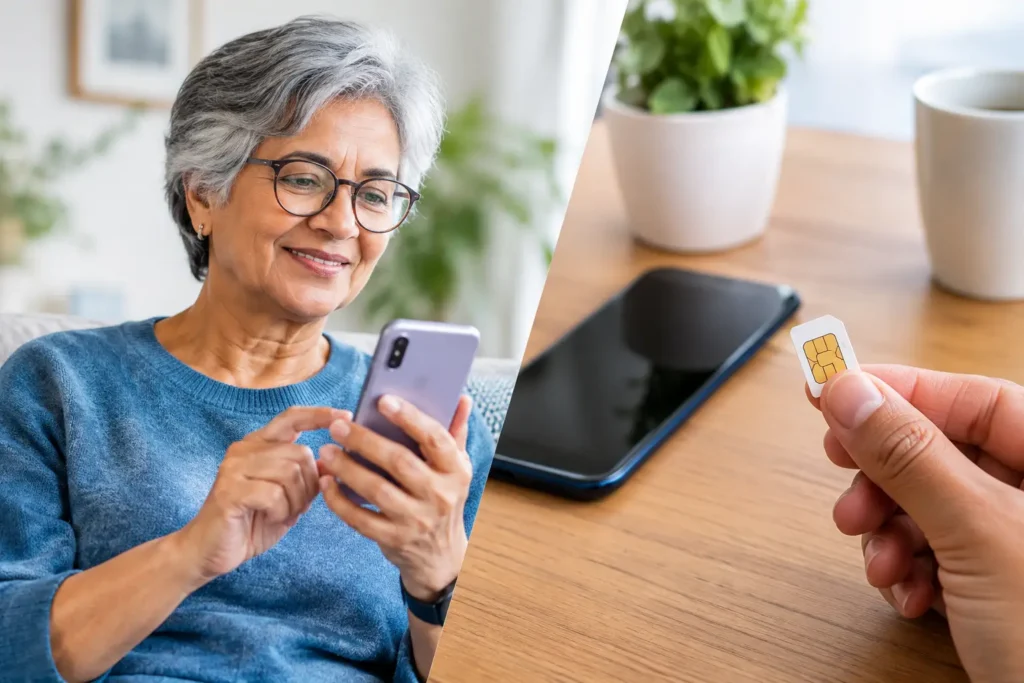
A new phone should feel like a helpful upgrade, not a small plastic puzzle. Yet when you are choosing a phone or switching service, one question can cause understandable hesitation: eSIM versus physical SIM cards. Both connect your phone to cellular service, let you make calls, send messages, and use data. The difference is how that connection is stored and activated.
For many older adults, the best choice is not necessarily the newest option. It is the option that works with your phone, feels comfortable to manage, and comes with clear support if you need it.
What a physical SIM card does
A physical SIM card is the small removable chip that has been used in cell phones for years. It usually sits in a tiny tray along the edge of the phone. Your wireless provider programs the card with the information needed to connect your phone to its network.
If you have ever moved a little card from an old phone to a new one, you have used a physical SIM. In many cases, the process is straightforward: turn off the phone, remove the tray with the proper tool, place the card in the new compatible phone, and turn it back on.
Physical SIM cards remain common because they are familiar and flexible. If you change to another compatible phone, the card can often move with you. Some people also appreciate having something tangible. They can see where their service connection is and know what needs to be transferred.
There are trade-offs. The card is small enough to misplace, and the tray can be tricky for anyone with limited hand strength, arthritis, or vision challenges. A card can also become damaged if it is handled roughly or placed incorrectly. These issues are usually fixable, but they can turn a simple phone change into a frustrating afternoon.
What is an eSIM?
An eSIM is a digital version of a SIM card built into certain phones, tablets, and smartwatches. The letter “e” stands for embedded. There is no card to insert or remove because the SIM technology is already part of the device.
Instead of installing a chip, your provider activates service electronically. Depending on the phone and provider, that may involve following instructions on the screen, scanning a QR code, or having a support representative guide you through the process.
An eSIM does not make your coverage stronger by itself. Coverage depends on the wireless network available in your area, your plan, and your phone. An eSIM simply changes the way your phone is connected to that service.
Many recent smartphones support eSIM. Some models support both an eSIM and a physical SIM card, while certain newer phones use eSIM only. Before buying a new phone or starting service, always confirm that the specific model is compatible with the type of SIM you plan to use.
eSIM versus physical SIM cards: the everyday difference
The practical difference usually appears when you set up a phone, replace it, or move your service. A physical SIM can be moved by hand. An eSIM must be transferred or activated digitally.
For someone who likes a clear, visible process, a physical SIM may feel more reassuring. You can keep the card in your current phone until you are ready to move it. If you are switching to another compatible device, inserting the same card can be simpler than navigating several screens.
For someone who would rather avoid handling tiny parts, an eSIM can be a better fit. There is no tray to open and nothing to line up correctly. Once the setup is complete, there is also no card that can fall onto the floor or disappear into a desk drawer.
Neither option is automatically easier for everyone. The better choice depends on your phone, your comfort level, and how much help is available during activation.
When a physical SIM may be the better choice
A physical SIM often makes sense if you are using an older phone that does not support eSIM. It can also be a practical choice if you expect to move your service between compatible phones and prefer a hands-on method.
It may be especially appealing if you already have a working SIM card and want to keep your transition simple. You can often move the card after confirming the new phone is compatible and unlocked. Still, do not assume every phone will work just because the card fits. Network compatibility matters, too.
Physical SIM cards can also be easier to understand when you need help from a family member. A loved one can see the card, confirm which phone it belongs in, and follow the tray instructions with you. That said, it is wise to keep the card and tray tool in a safe place and avoid removing the card unless you need to.
When an eSIM may be the better choice
An eSIM may be a good choice if your phone supports it and you prefer not to handle tiny equipment. It is also helpful when a phone has no physical SIM slot, which is becoming more common on some newer models.
Digital activation can be convenient, but it works best when the instructions are clear and support is easy to reach. You may need a stable Wi-Fi connection during setup, especially if the phone has not yet connected to cellular service. You may also need to enter a password, approve a prompt, or wait a few minutes while the phone completes activation.
If you replace or lose an eSIM phone, remember that your service cannot simply be moved by taking out a card. Your provider will need to help activate the replacement device. This is not a major problem when support is responsive, but it is worth knowing before you choose.
Do you need to change your number?
No. Choosing an eSIM or physical SIM does not require you to get a new phone number. In most situations, you can keep your existing number when moving to a new provider or a new phone.
Keeping your number is called number porting. The key is to leave your old service active until the transfer is completed. Canceling too early can make the process harder. You will usually need details from your current provider, such as your account number and a transfer PIN.
Whether you use an eSIM or a physical SIM, a careful provider will explain what information is needed and help you understand the timing. Your phone may have a brief period where service is changing over, but you should not have to guess what is happening.
Questions to ask before you decide
Start with your current phone. Does it support eSIM, a physical SIM, or both? If you are buying a new phone, ask whether it is unlocked and compatible with the wireless network you plan to use.
Next, think about how you prefer to handle changes. Would you rather move a card yourself, or would you prefer digital setup with step-by-step guidance? Consider what would happen if you needed a replacement phone, too. A physical SIM can be moved, while an eSIM requires a new activation.
Finally, consider the support behind the service. The technology matters, but patient help matters just as much. A good support team should explain your options without rushing you or making you feel like you should already know the answer.
The right choice is the one that feels manageable
There is no prize for choosing the newest technology, and there is no reason to keep an older method if it creates unnecessary difficulty. A physical SIM can be familiar and flexible. An eSIM can remove the hassle of a tiny card. Both can provide dependable phone service when they are matched with a compatible phone and the right plan.
If you are unsure, ask for a compatibility check before making a change. At Silvercell, the goal is to make the next step clear, whether that means helping you keep your current phone and number or getting a new device set up with confidence.
Still need help?
Our 100% US-based team provides patient support through online chat.